B2B portal
eOtpremnice
A portal for sending and receiving electronic delivery notes and receipts, connected to the state system. No card reader, no ID card — it works even from a phone. Free to try.
Visit site ↗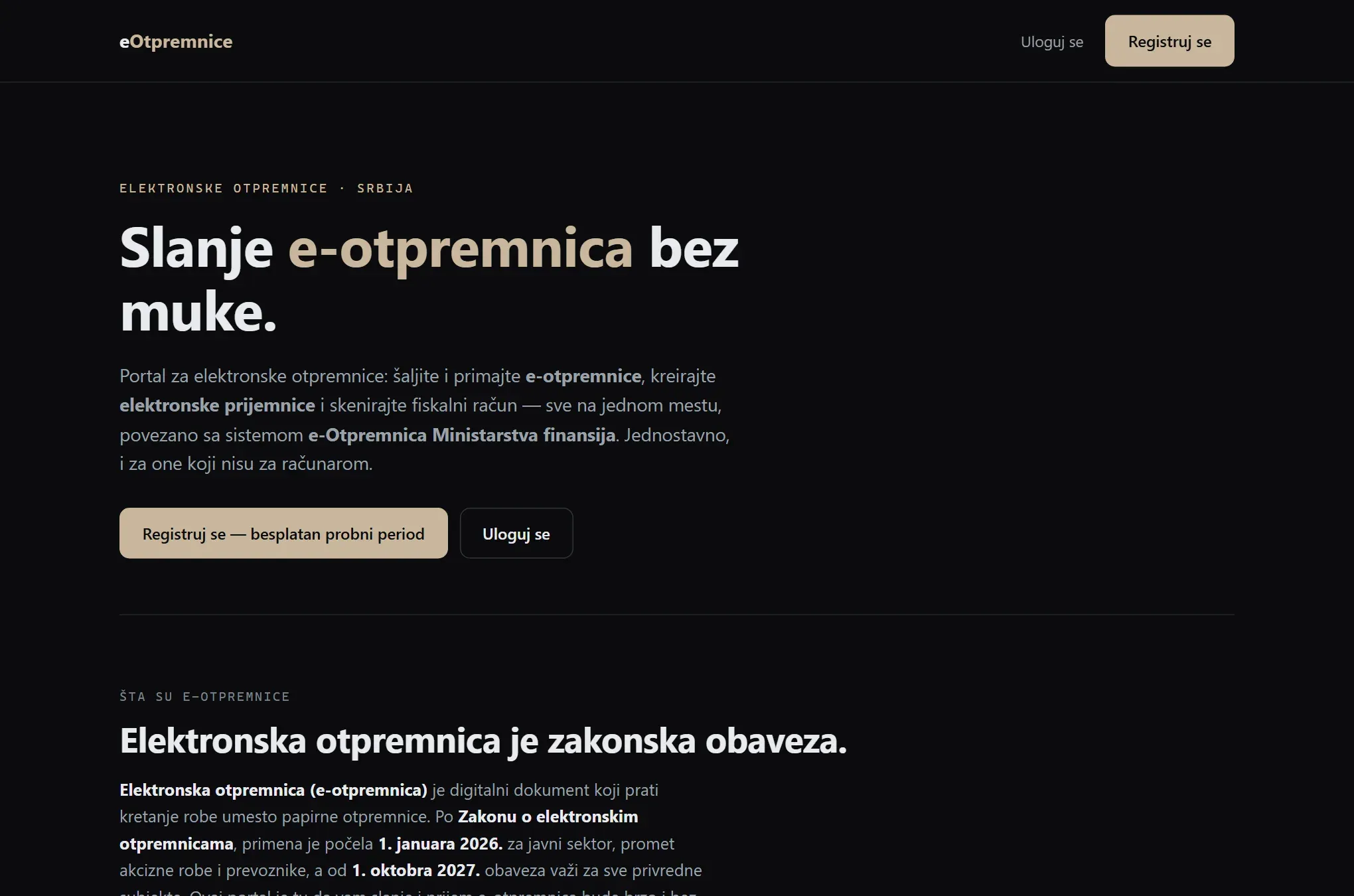
Problem
In Serbia the electronic delivery note has been mandatory since 2026, and access to the state system runs through a qualified certificate on a personal ID card — a card reader on a computer and exactly that one person present for every document. A company that ships several times a day ties the whole process to one person and their ID card: if they are in the field or away, shipping stops. On top of that every line is retyped by hand, even though the goods already passed through the fiscal register.
Solution
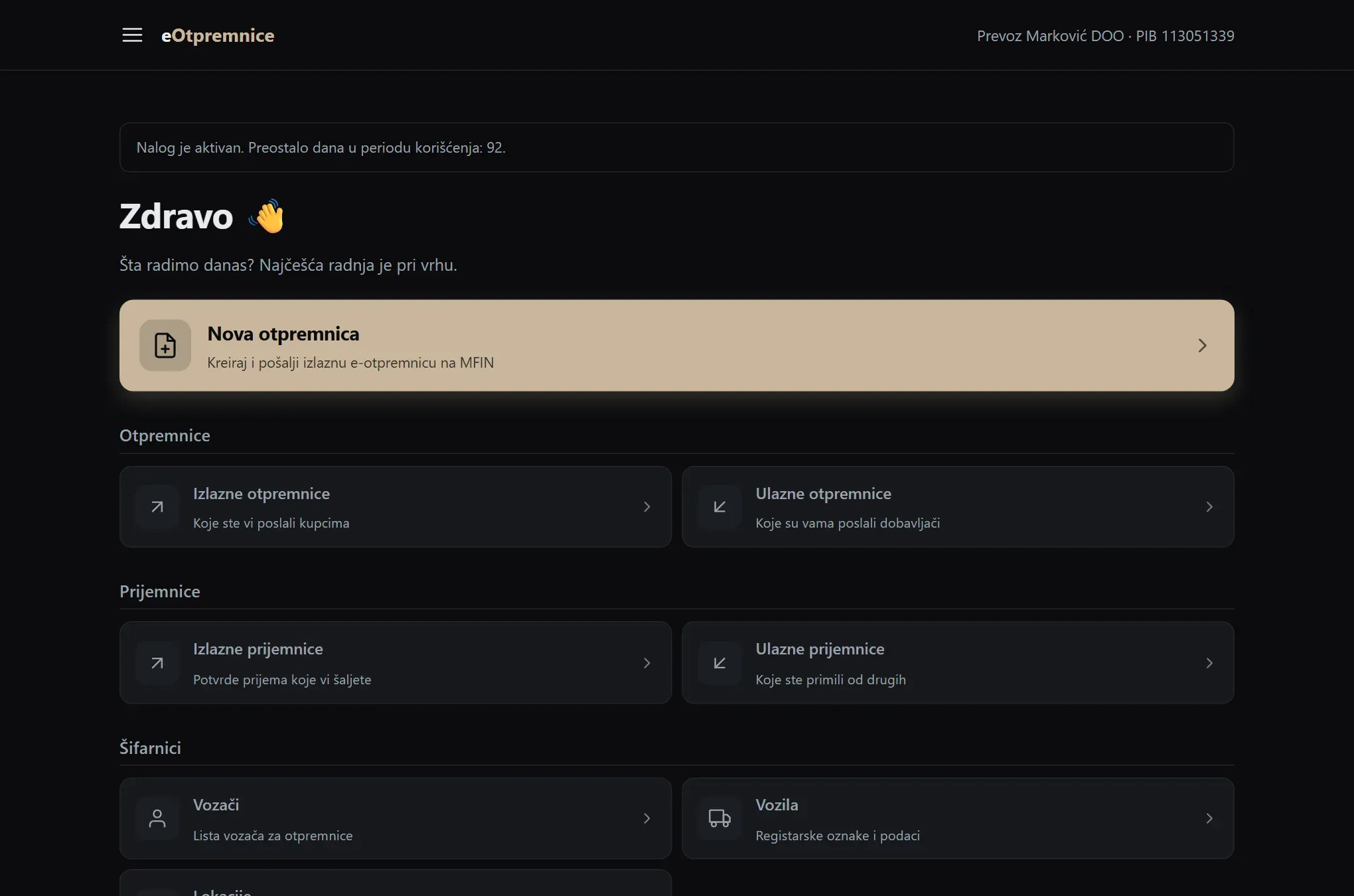
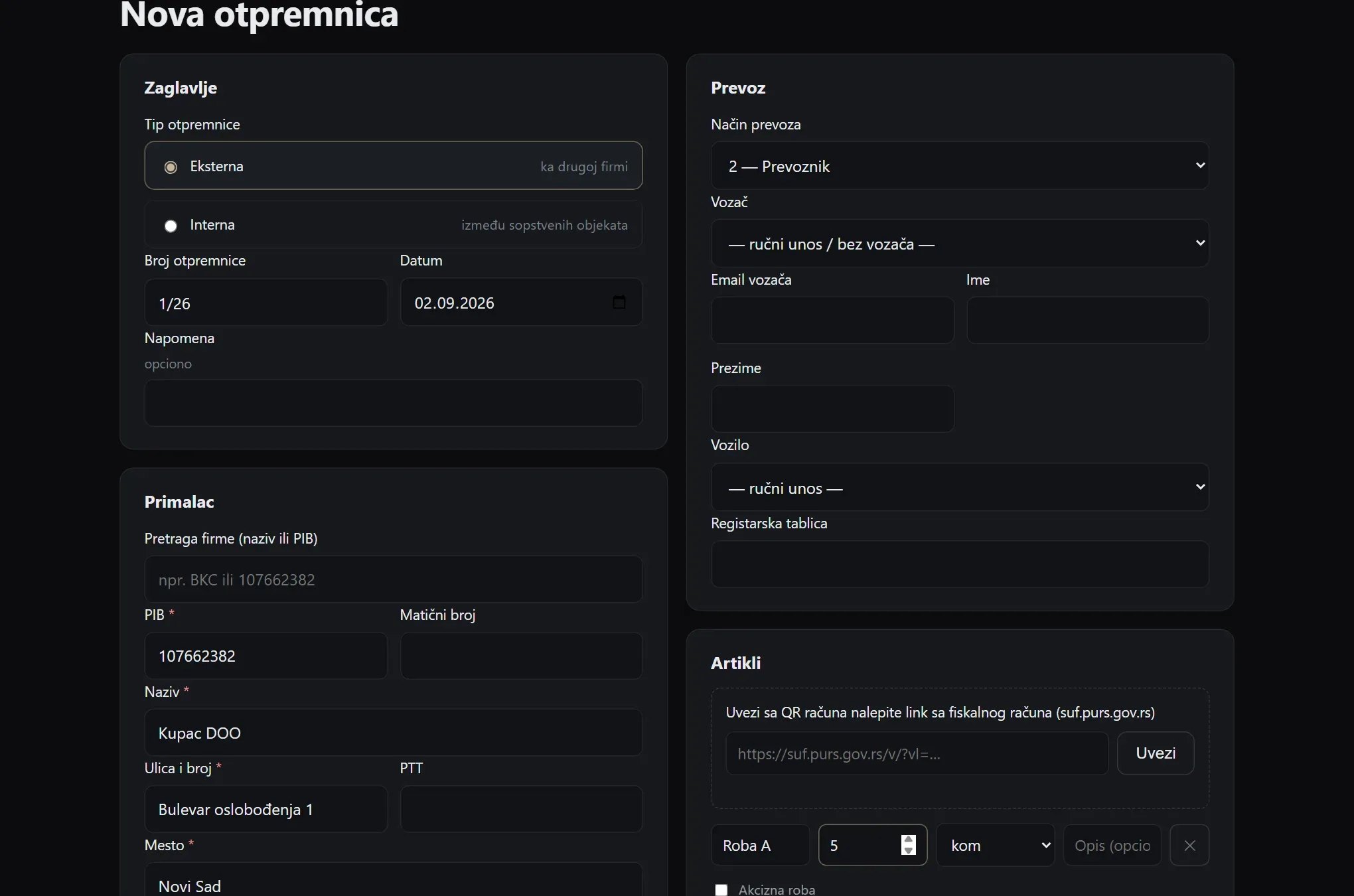
The Kavon e-delivery-notes portal is live and connected to the Ministry of Finance e-Delivery system. A company enters its MFIN API key once and then sends e-delivery notes, receives inbound ones, issues receipts and keeps records — with no card reader and no ID card for every document, even from a phone. Items need not be typed: scanning the QR code on a fiscal receipt pulls the lines straight from the Tax Administration. Signing up is free, with a trial period.
What was built
- Company sign-up with a free trial period
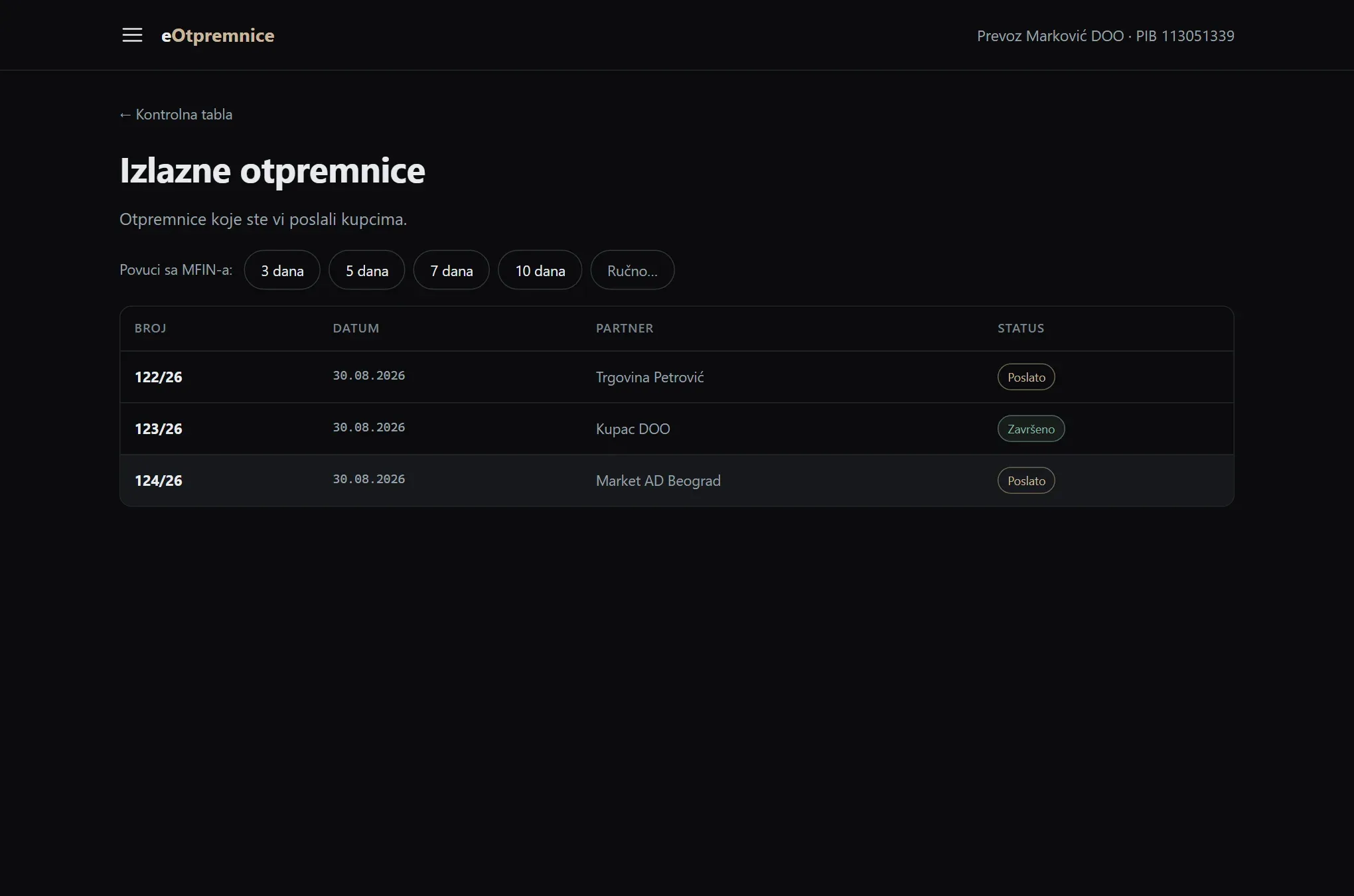
- Sending and receiving electronic delivery notes
- Inbound and outbound receipts with statuses
- MFIN API key entry, stored encrypted (AES-256-GCM)
- Item import by scanning the QR code on a fiscal receipt
- XML validation against the state validator before sending
- Support for excise goods
- Registers of drivers, vehicles and locations
- Recipient lookup by name and tax ID from registered companies
- Admin panel — approving companies and issuing licences
An electronic delivery note carries only quantities, not prices — yet whether the goods may move depends on it. Since it became a legal requirement, the most expensive part of the job was that it hinged on one person: the one whose ID card sits in the reader.
The portal changes that by making the company, not a person, the holder of access. The MFIN API key lives in the system, encrypted, tied to the company — anyone with an account can send an e-delivery note, receive an inbound one, issue a receipt. It works from a phone, so sending e-delivery notes never waits for someone at a desk.
The other thing easily missed is item entry. The goods already passed through the fiscal register and are recorded precisely at the Tax Administration — no reason to retype them. The QR code on the fiscal receipt is already printed; the portal reads it and pulls the lines and quantities itself.
The portal is live and functional, and signing up is free — with a free trial period you can try sending electronic delivery notes right away, with no commitment.
Result
Sending e-delivery notes no longer depends on one person and their ID card — anyone with an account can do it, from a phone too. Receipt lines come in by scanning instead of retyping, and the validator catches an error before sending, while it can still be fixed. The portal is live and free to try.
From the application
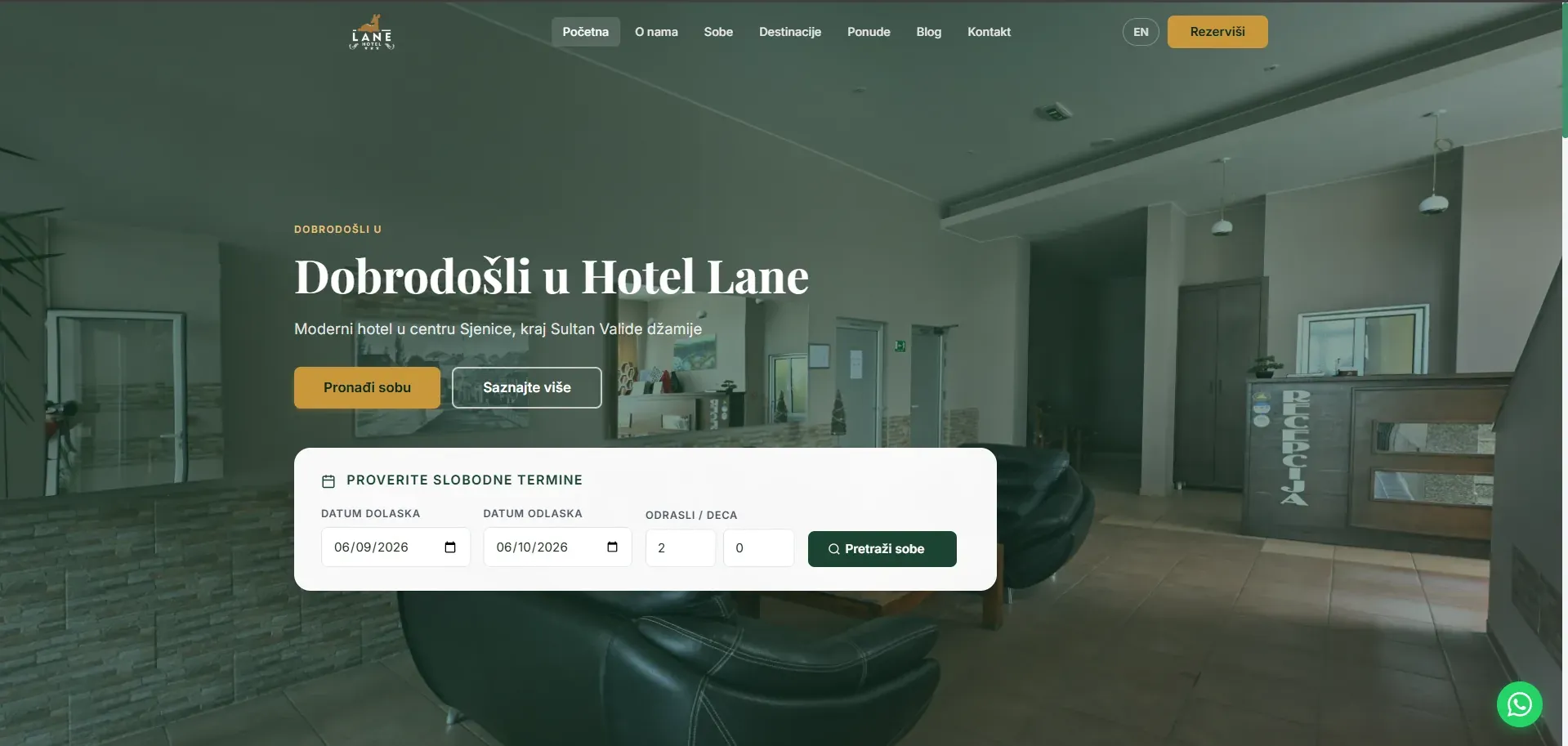
Booking and payments · 2025
Hotel Lane
A booking system with online card payment, synchronised with the software the hotel already runs at reception.
- PHP
- MySQL
- JavaScript
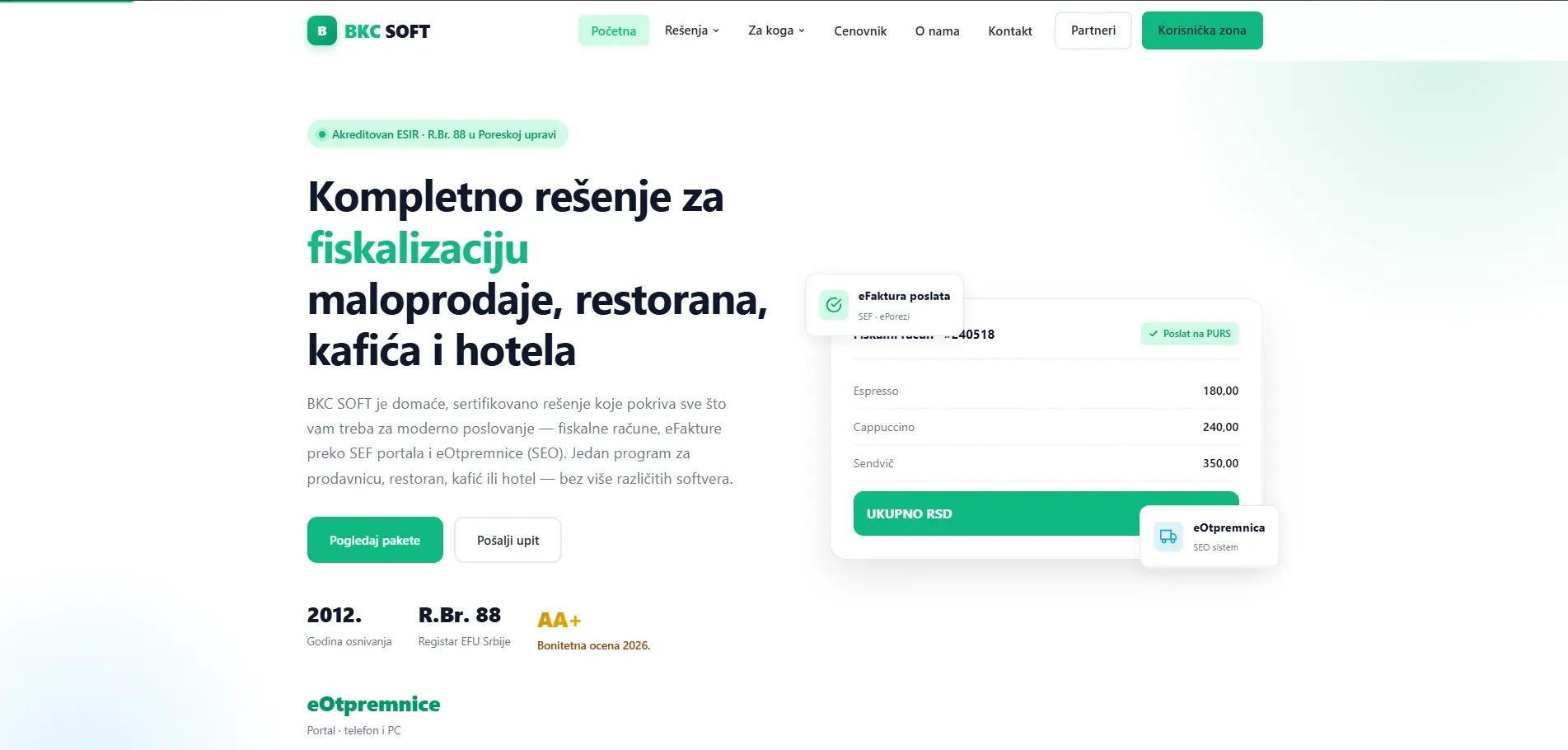
Brochure, portal and licensing · 2022
BKC Soft
Three systems under one address — a brochure site, a partner portal carrying daily reports from the till, and an admin side that issues licences to fiscal register software.
- PHP
- MySQL
- JavaScript
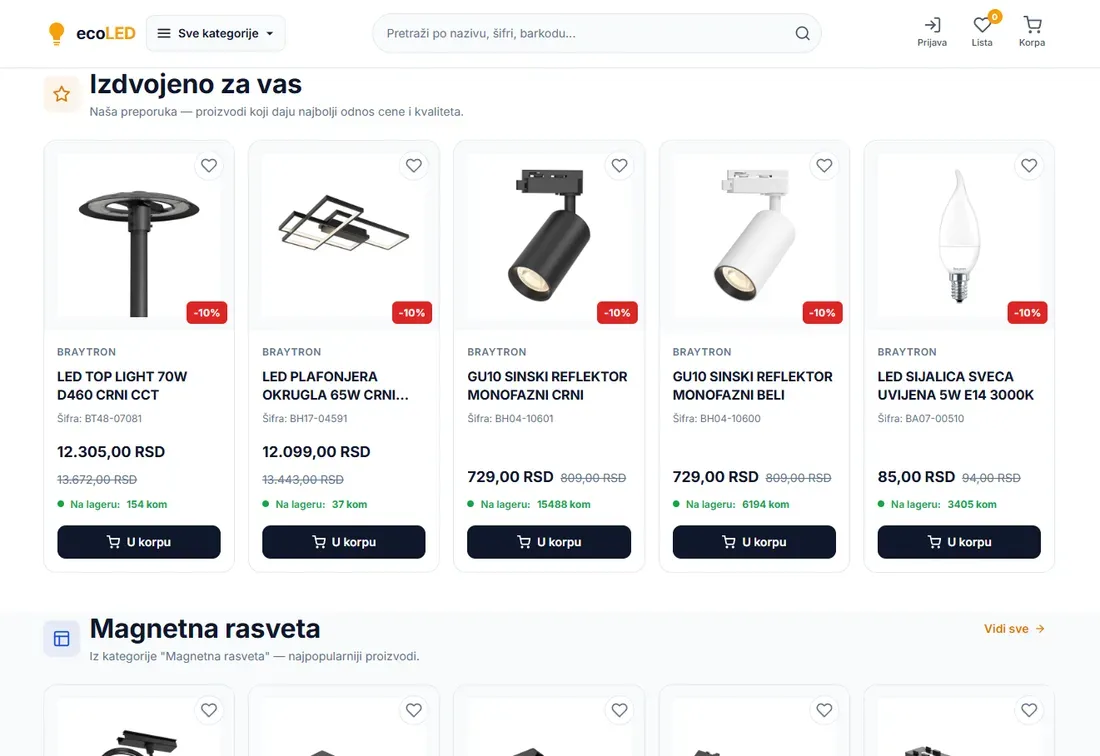
E-commerce and automation · 2025
EcoLED
A shop with over 1,700 products that nobody keys in — stock, prices and catalogue arrive from the supplier on a schedule, and selling runs across three channels.
- PHP
- MySQL
- JavaScript