Desktop utility
TimeSync
A small Windows utility that keeps the clock and regional settings correct, because whether the fiscal register software reads dates and amounts properly depends on them.
Problem
Fiscal register software does not format dates and numbers itself — it relies on the operating system's settings. If a machine has a full stop as its decimal separator instead of a comma, the same amount reads differently. If the clock drifts, fiscal receipts carry the wrong time. Those settings sit outside the program, so the program cannot fix them, and correcting them by hand on every installation means walking a user through Control Panel over the phone.
Solution
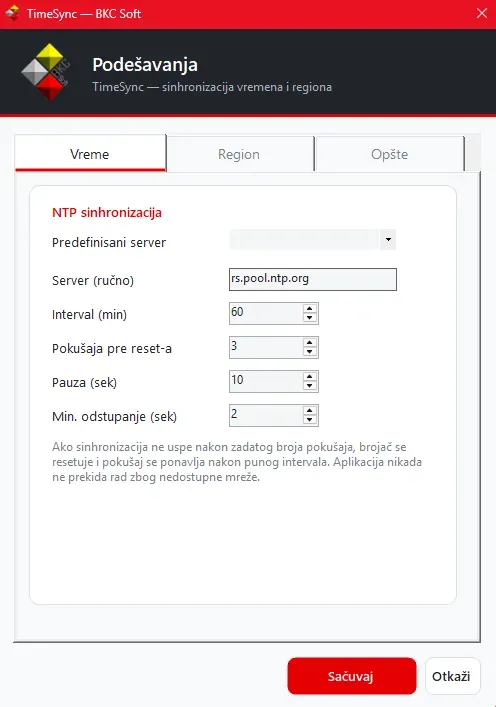
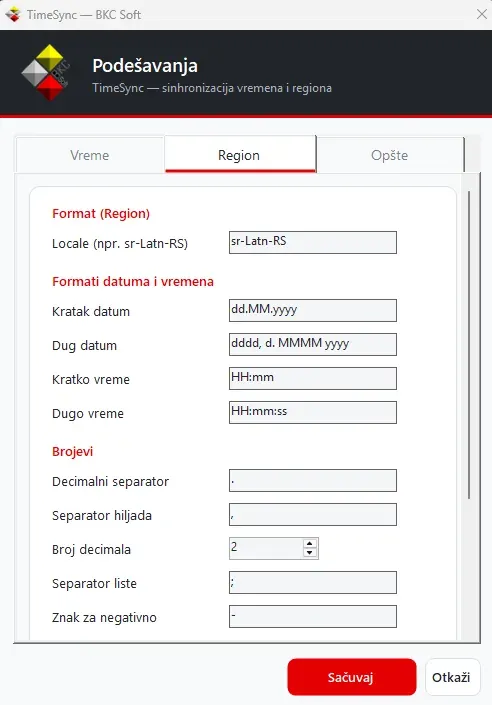
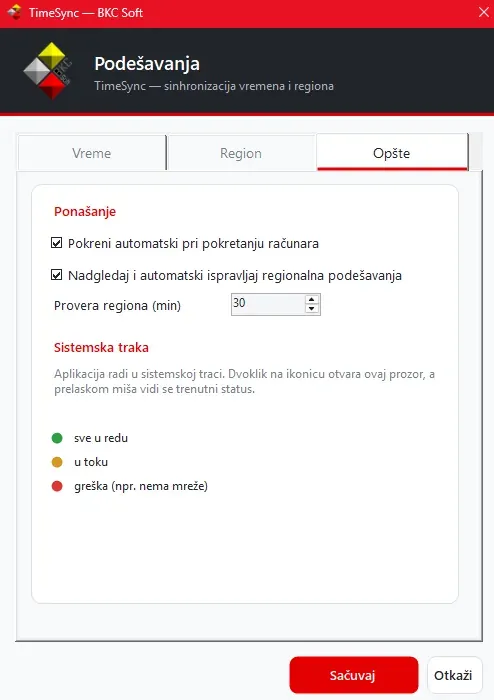
The utility sets what the program expects and then keeps watching it. The clock is synchronised from an NTP server on a set interval, and regional settings are checked every thirty minutes and restored if anything changes them. It runs in the system tray, starts with Windows and asks for no attention while everything is fine.
What was built
- NTP clock synchronisation with configurable server and interval
- Setting regional options — language, date and time formats
- Setting number formats — decimal separator, thousands separator, decimal places
- Monitoring settings and restoring them if anything changes them
- Starting with Windows
- Running in the system tray with a status indicator
- Surviving network outages without stopping
This is the smallest project on the list and the easiest to overlook, but it solves something the program itself cannot.
Fiscal software formats dates and numbers through Windows settings. If one machine has a full stop as its decimal separator instead of a comma, the same amount reads differently — and not as an error, but silently. If the clock drifts, fiscal receipts carry the wrong time.
The program can do nothing about it, because those settings sit above it. That leaves walking a user through Control Panel over the phone, or shipping a tool that does it.
The detail that makes it usable is that it does not give up. If the network drops, the retry counter resets and it tries again after a full interval — rather than switching itself off and quietly abandoning the job it was installed to do.
From the application
Order configurator · 2025
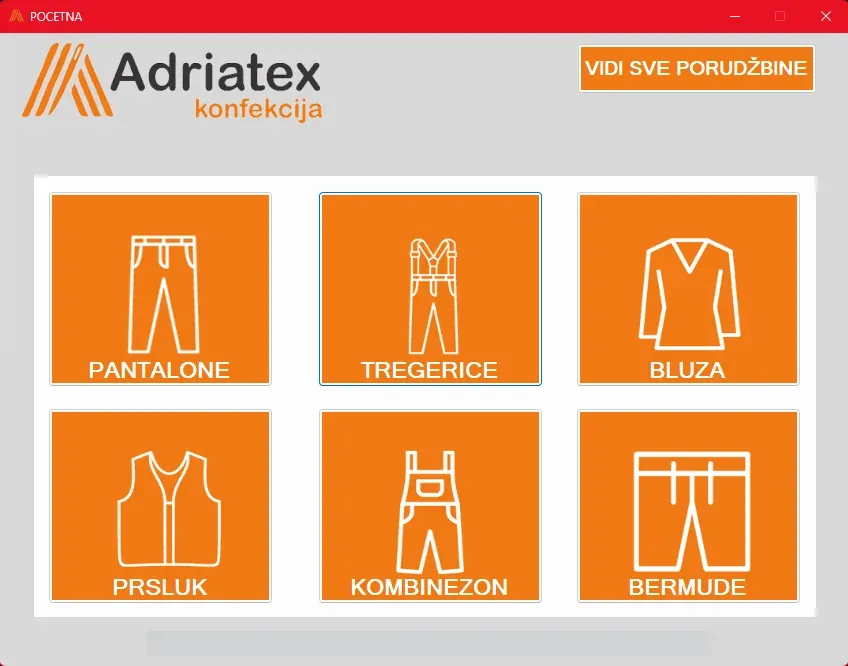
Adriatex konfekcija
A desktop application for ordering made-to-measure workwear — each garment through its own fields, with an order list, statuses and an A4 work order that prints.
- C#
- WinForms
- .NET
- SQL Server
Integrations and government systems · 2023
E-invoicing service
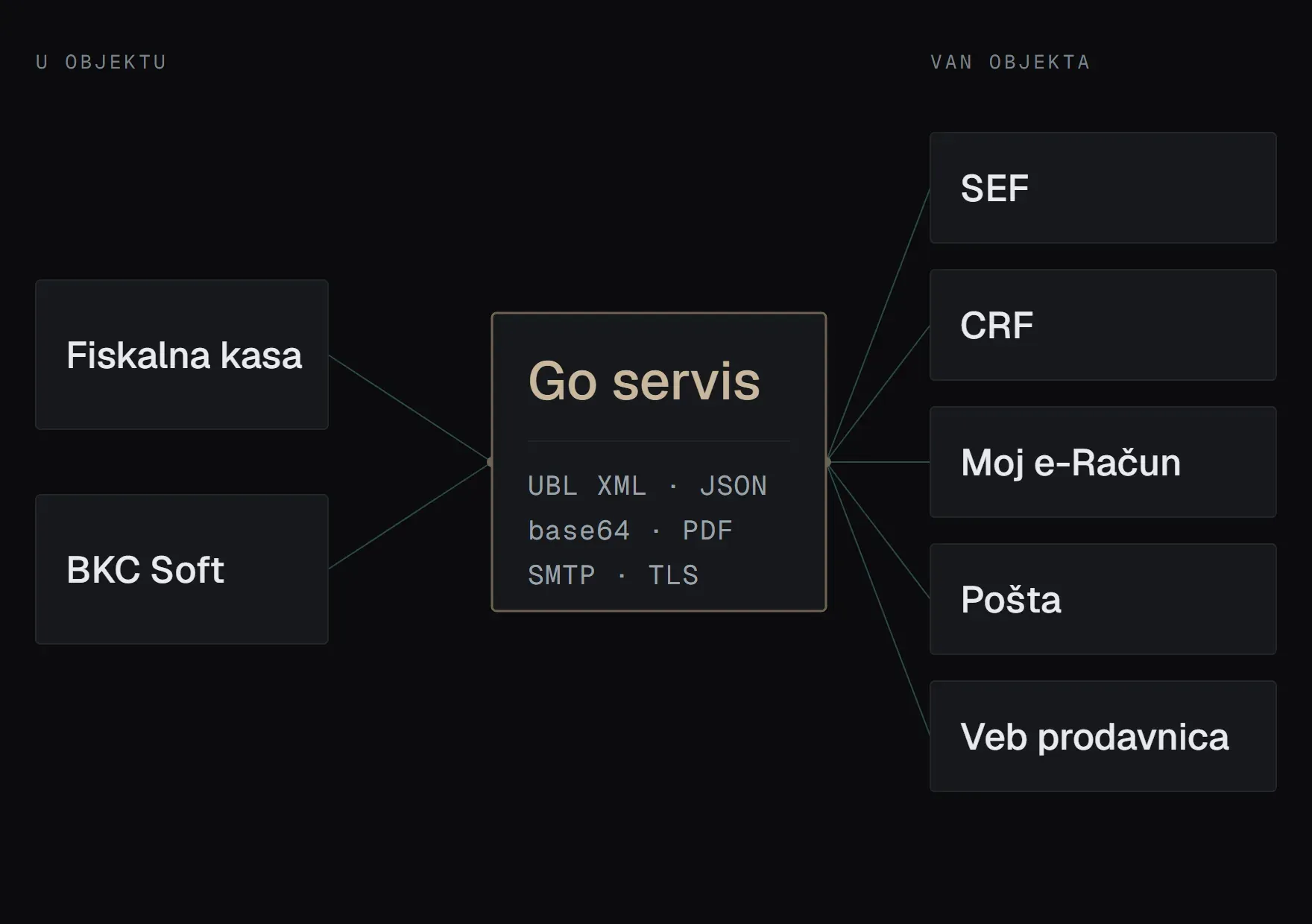
A Go service that opens the door from the till software to the national e-invoicing system, electronic delivery notes and email. Everything leaving the shop goes through it.
- Go
- HTTP
- XML
- JSON

Brochure site and custom CMS · 2026
FIDAI Coaching
A brochure site for a sports coaching studio in Montenegro, with a custom CMS the client uses to rebuild every page themselves — no WordPress, no calling the developer.
- PHP
- MySQL
- JavaScript